Setup your privacy settings
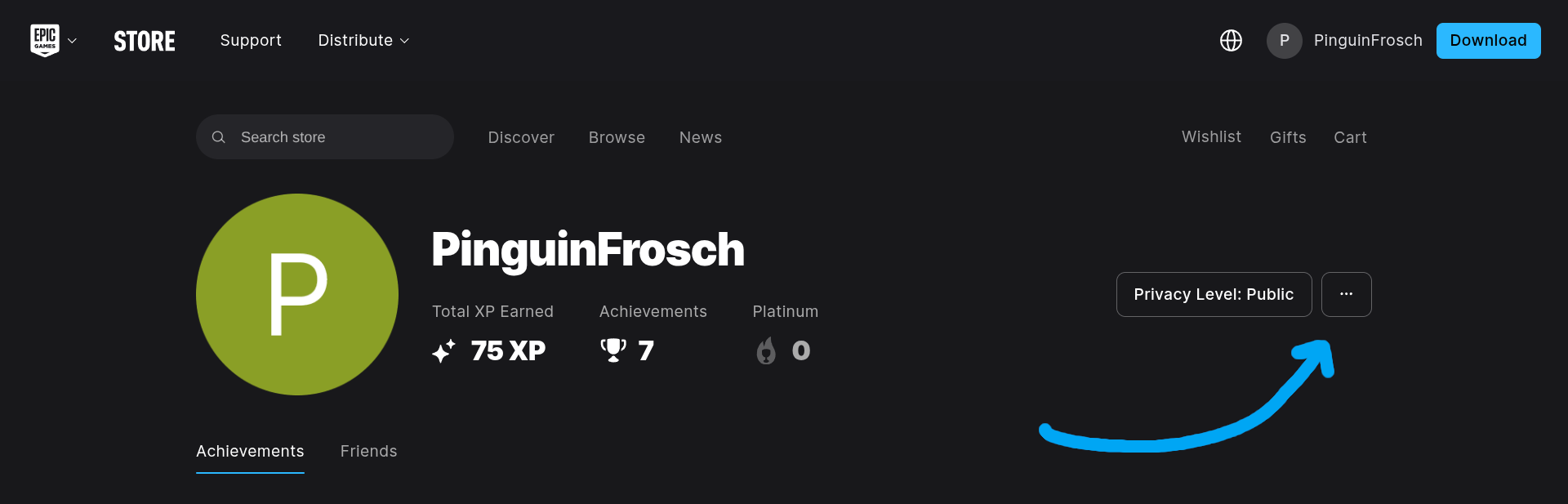
1. Go to your profile on Epic Games.
2. Click on the three dots next to Privacy Level.
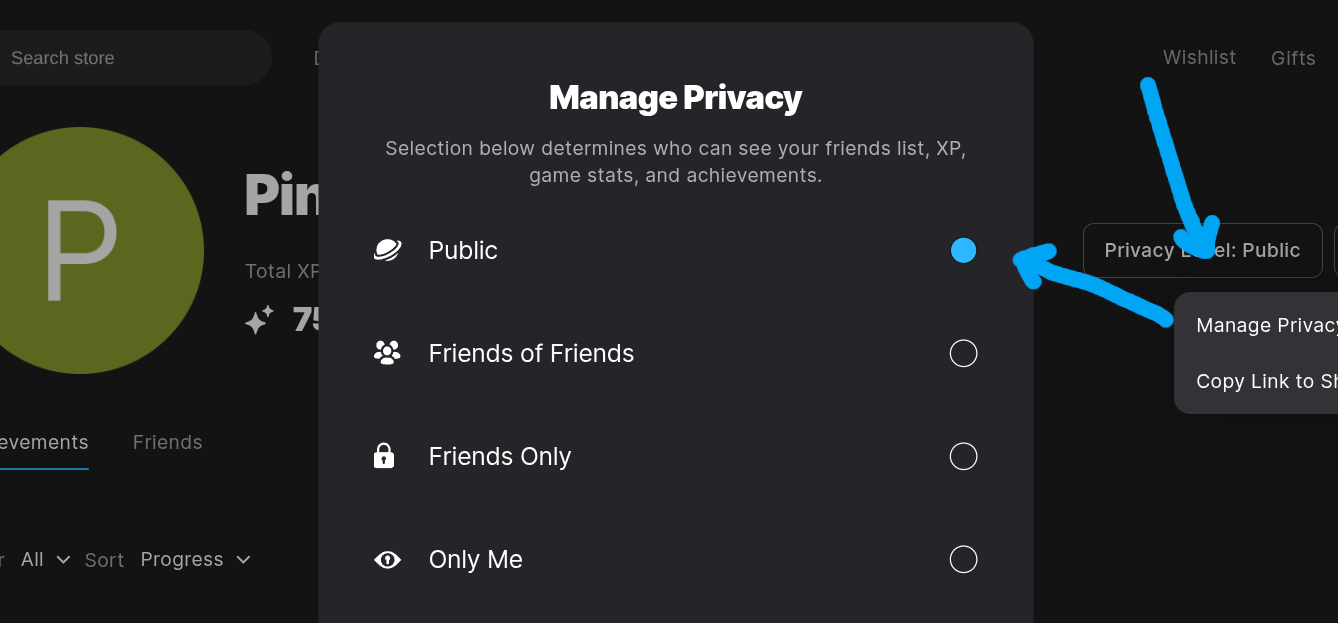
3. Press Manage Privacy.
4. Make sure your privacy level is set to Public.
Get your user id
On your Epic Games profile, take a look at the url. Copy the highlighted part as your user id.